What Is an AI Image Combiner?
NBImageCombiner is a free AI image combiner online that merges two separate photos into a single, believable picture. Instead of stitching images side by side, the tool reads each photo — the subject, the background, the lighting and the color — and rebuilds them as one scene. Upload two images, write a short description of the result you want, and the AI generates a new picture in a few seconds.
Old-school editing asks you to cut out a subject by hand, match shadows, and clean up edges in Photoshop. The tool skips that work. It understands what is in each photo and blends them for you, so a portrait and a landscape can become one shot where the light and perspective actually agree.
The tool handles three common jobs: drop a person or product into a new background, combine two people who were never photographed together, or place a product into a lifestyle scene for a store listing. When you only need a clean layout, the free collage mode lays your images side by side or stacked, with no AI credits used.
Every photo is compressed to WebP inside your browser before it is sent, so uploads stay fast and your originals stay on your device until you generate. That makes NBImageCombiner a practical choice for quick social posts, product mockups, and concept art references.
AI Photo Combiner Examples
Real ways people combine two photos into one. Add your own images to any slot, then load the idea.
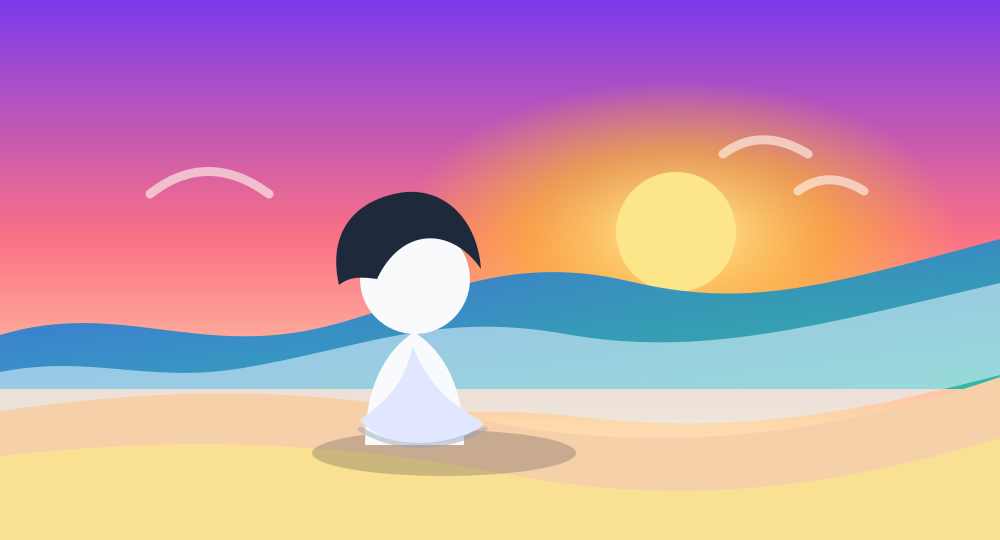
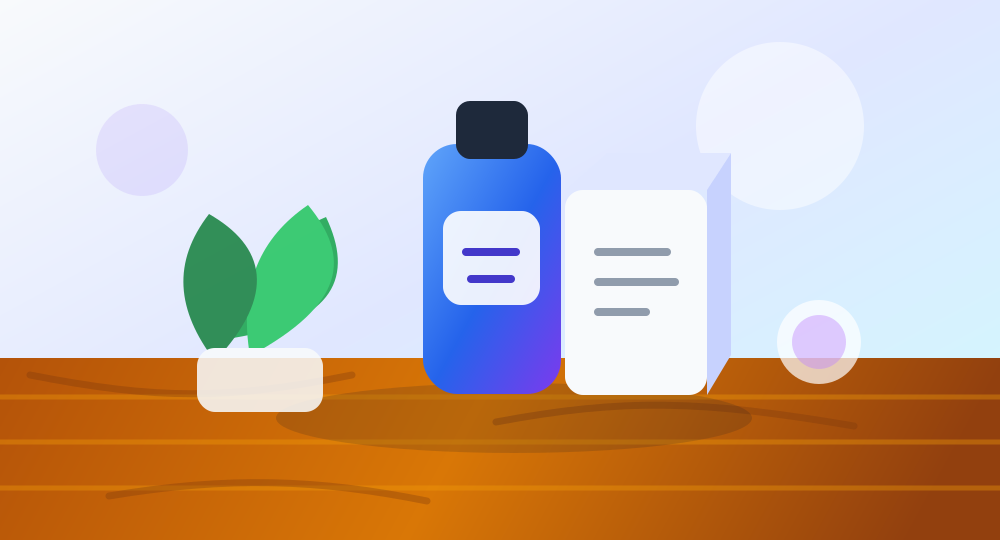
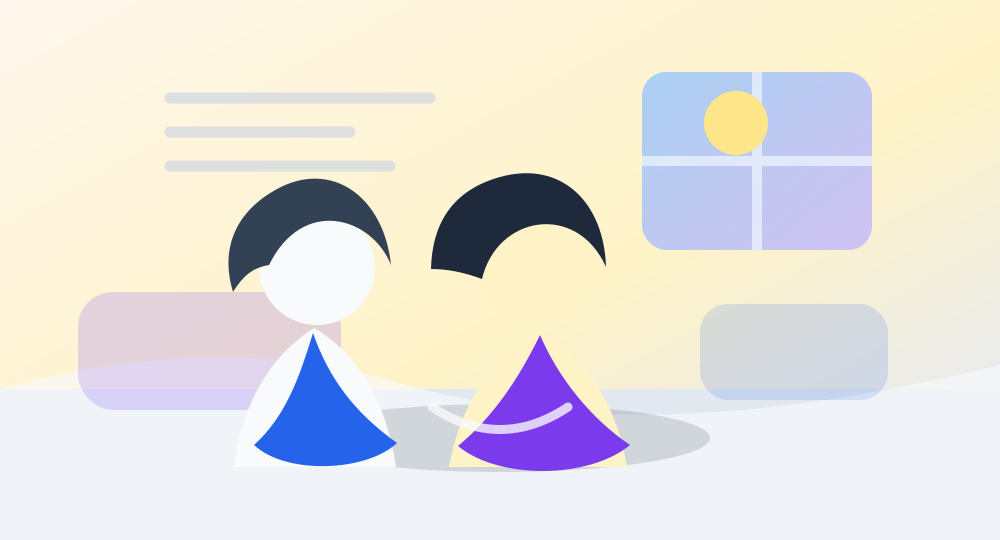
How to Combine Images with AI
No Photoshop, no manual cutouts. The tool reads the subject, background, lighting and style for you.
Upload two images
Add Image 1 and Image 2 in the tool above. Files are compressed to WebP locally for fast, private uploads.
Describe how to combine them
Write a prompt or tap a template. Tell the AI what to keep, what to place where, and how the lighting should feel.
Generate and download
Get your AI merged image in seconds. Download it, regenerate, or tweak the prompt until it's perfect.
What Can You Create?
Prompt Ideas for Combining Two Photos
Use these prompts as starting points, then tweak the details to match your photos.
Combine the subject from the first image with the background from the second image. Make the lighting and shadows look natural.
Place the product from image one on the table in image two. Keep the product shape accurate and make the scene look like a professional lifestyle photo.
Merge the two people from both images into one realistic photo, standing side by side in the same environment.
AI Image Combiner vs Photo Collage Maker
Same upload, very different output. Pick AI blend for realism, collage for a clean side-by-side.
Frequently Asked Questions
How to Get Better Results
A good prompt is the difference between a rough paste and a photo people believe. Name the subject you want to keep, say where it should go, and describe the light — for example, "keep the person sharp and add warm sunset light from the left." The more specific the instruction, the closer the result gets on the first try.
Match your source photos where you can. Two pictures shot in similar light and resolution blend more cleanly than a bright studio cut-out dropped onto a dark night scene. If the first result is off, change one detail in the prompt and generate again instead of rewriting the whole thing.
Order matters, too. Most templates treat image one as the subject and image two as the scene, so if a blend keeps missing, swap which photo goes in which slot before you rewrite the prompt.